42 of 48
answers carrying a source reference
questions whose answer is in the knowledge base; six carried no source reference
The XICBOT lead assistant answers a visitor question from your own content, clarifies need, scope and timeframe with follow-up questions and only then offers to turn the conversation into an enquiry.
The lead assistant turns questions into enquiries. First it answers the visitor's question. It only uses your own content for this. Then it asks about needs, scope and timing. Before sending, it shows all details in plain text. The visitor says yes or no. Only then does the enquiry go to your inbox, in the Custom package also to your CRM.
Request a free demo View all features
What will be handed over is shown in plain text in the chat window beforehand: name, email, phone, request. Nothing is written until the visitor confirms — into your inbox and, in the Custom package, into your CRM or as a callback note.
Visitor:Do you also do maintenance for several locations?
Assistant:Yes, maintenance is available per location or as a framework agreement; the scope is set out in your service overview. So that a quote fits: how many locations are involved, and is there a preferred time frame?
Visitor:Three locations, ideally in the first quarter.
Assistant:Thank you. I can file an enquiry for the office from this. Here is what would be handed over — please check it and confirm.
Visitor:Confirmed.
Assistant:The enquiry is now in the company inbox, together with the transcript. I cannot promise when someone will get in touch — that is for the company to decide.
Ask it yourself, Assistant of this website
Automated assistant42 of 48
answers carrying a source reference
questions whose answer is in the knowledge base; six carried no source reference
Most enquiries are not lost at the completed form but before it: a visitor has a question, does not find the answer right away, balks at a form with many required fields and leaves. The lead assistant starts at that point. It answers the open question from your website content, then asks the follow-up questions that fit this particular enquiry, and files the enquiry only once the visitor has confirmed the preview. Which questions led to an enquiry and which ran into nothing you can read back later in the conversation analytics.
A lead assistant is not a chat window with a form behind it. It may only call the actions you have set up, and for each of them you decide whether it runs at once or needs confirmation. Writing actions — and filing an enquiry is one — are set to require confirmation when created and on every change; without approval the call ends as a proposal and carries nothing out. The following six tasks form the core.
Before the assistant asks for anything, it answers what the visitor came for. Its answers are bound to the stored sections of your content: internally every statement is meant to carry the number of the section it comes from, and an answer without that binding is recorded as a gap.
You decide which details an enquiry has to carry. If one of them is missing, the call is not carried out; the assistant asks instead. That way no half enquiry lands in the inbox and still costs a phone call.
Before anything is handed over, the assistant lays out the details in plain text in the chat window: name, email, phone and request, exactly as they will be handed over. The visitor confirms or declines. If you have designated a form on your page, the assistant enters the details there only after that confirmation; it is submitted only if you allow that and the visitor agrees, otherwise the visitor submits it. The preview is stored with the operation and is not regenerated later — what can be seen afterwards is exactly what the visitor was shown.
After confirmation the assistant writes name, email, phone and request into the company inbox and attaches files the visitor uploaded earlier — a photo of the damage, say, or a floor plan. A CRM is served through a separate connection in the Custom package that also has to be confirmed; how that is set up is covered under tool control.
Anyone who prefers the phone leaves a number and a preferred time — as an enquiry in the inbox in every package, as a callback note in a connected customer management system in the Custom package, each only after confirmation. Where it is about a fixed appointment rather than a callback, the booking assistant takes over.
If an enquiry becomes sensitive or urgent, or goes beyond what has been set up, the assistant is meant to hand over. The conversation moves into the escalated state, an entry is created and a person is notified. It replaces no one, it prepares the ground.
What may happen within a single answer is capped. Beyond the limit nothing is carried out any more, only recorded; where a month is running hot, the cap tightens further. This is a brake against chains that spiral on their own, and it is set deliberately low.
A proposal that nobody confirms or declines stays open only for a limited time; if it is not confirmed in that time, it counts as expired and can no longer be confirmed. Nothing is written as a result.
43 of 48
questions without a handover to a person
measured on a single assistant on our own knowledge base, not on customer projects; a figure from live operation is not yet available
For a lead assistant to qualify rather than merely collect data, it has to do two things: read the context of the enquiry from your content and, out of that, start a real operation in your systems. Both happen in the same conversation, without leaving the page — and both are tightly bounded, each in its own way.
Before the assistant qualifies, it understands what the matter is about. What gets read in is what you provide and what your site releases for reading: the reader obeys robots.txt, identifies itself on each request and reads a fixed maximum number of pages per run. Anything marked noindex does not become a section and therefore cannot appear in an answer either.
The enquiry grows out of the conversation. The assistant collects the details, puts them up for confirmation and only then writes them into the inbox; a CRM, a ticket system or a callback note are each separate actions in the Custom package, each likewise requiring confirmation. There is no open access to your systems — the assistant knows only the actions you have set up, and each of them has a fixed field schema. How that is set up is covered under tool control.
A connection to an external system is deliberately narrow: one call, a fixed deadline, a cap on the response size, no redirects and no addresses from the internal network. If the deadline passes or the target answers with an error, the operation counts as failed — it is not retried. In that case the visitor sees a general sentence, not the technical error text.
What appears in the chat window is shorter than what appears in the admin area: duration and approval path are deliberately left out there. Anyone wanting to trace which action ran when and with which details finds that in the conversation view, not on the visitor side.
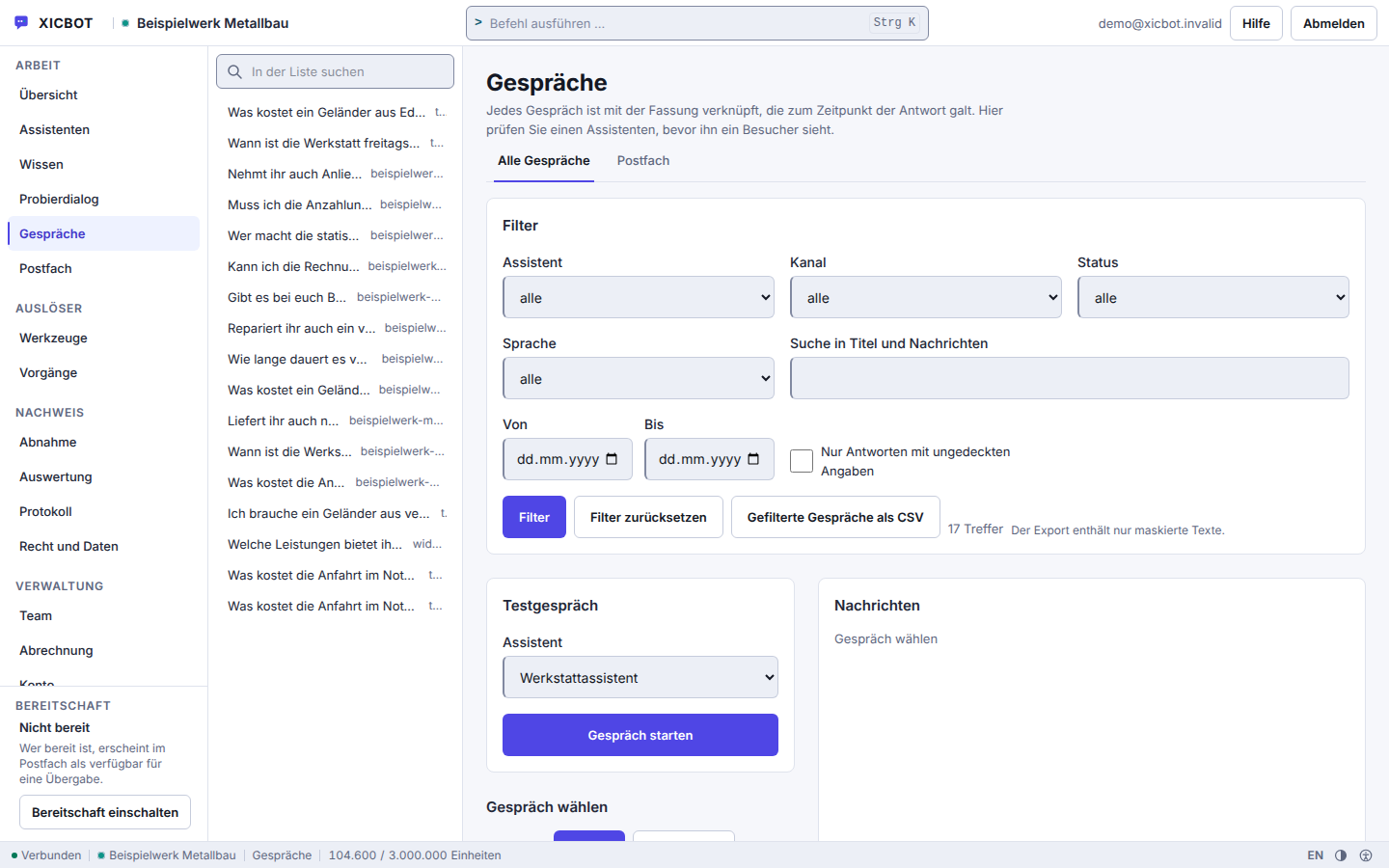
The list shows the question a conversation started with — the reason behind an enquiry is settled before anyone opens it.
The status filter separates the conversations that went to a human from those the assistant finished on its own.
The switch for answers without cover shows the replies for which no section of the knowledge base provided the basis.
The path from the first question to the enquiry in your inbox runs in six steps. For the visitor it feels like a short conversation. Behind it lies a fixed order in which the visitor confirmation is not the last step but the condition for the one before it.
A visitor opens the chat because they want to know something — about a service, a price or the right variant for their situation. The assistant answers from your stored content instead of pointing to a form. If it finds nothing on the matter, it says so instead of guessing.
Only then come the follow-up questions: what is it about, what scope, what timeframe, which details do you need in order to place it? Which of them are mandatory is up to you — if one is missing, the assistant asks again instead of filing half an enquiry.
Instead of writing silently, the assistant shows in the chat window what would be handed over: name, email, phone and request in plain text, named field by field. This preview is stored with the operation; it is not regenerated later and therefore does not change afterwards.
Without confirmation it stays a proposal, and a proposal writes nothing. The buttons lock after the first click so a second tap does not fire a second time. If the visitor declines, the conversation continues, simply without a handover.
Only now does the entry appear in the company inbox, with the transcript as context and with the files the visitor uploaded earlier. In the Custom package, connected systems receive an event so a CRM or ticket system can follow. If the same call repeats, the system recognises it and files nothing twice.
If the matter becomes sensitive or goes beyond what has been set up, the assistant is meant to hand over: the conversation then moves into the escalated state and a person is notified. The visitor sees that a handover happened — by which route the company is reached, they do not learn.
Two things are missing from this sequence on purpose. There is no deadline on the proposal: if nobody confirms it, it stays until the conversation ends. And the assistant makes no promise about when someone will reply — when an enquiry is handled is for your company to decide, not for the product.
Whether the contact details may be stored at all is decided by your setting. If your assistant requires consent and none is given, not a single row is written — not even a shortened one. The visitor address is never stored in clear text anyway, only as a fingerprint, and with an IPv6 address the device part is dropped beforehand.
Visitor:Please give me the direct line of your technical manager.
Assistant:There is nothing on this in the stored knowledge base, and I do not invent contact details. I can hand your request to the office, then someone will get back to you.
Visitor:Yes, please do.
Assistant:Good. This is what I would hand over:
Visitor:Confirmed.
Assistant:The conversation is now in the inbox and marked as escalated. By which route the company is notified, I cannot see from here.
8 of 8
questions without a basis declined instead of guessed
eight questions deliberately outside the material; the wording of every answer is in the measurement file
We look at your current contact form and show which follow-up questions an assistant clarifies in conversation instead, what ends up in the preview and where the finished enquiry goes.
An empty form demands something upfront: the visitor is asked to fill in fields before knowing whether they are in the right place at all. An entry point built as a conversation turns the order around — the answer first, the question about contact details afterwards. How many additional enquiries that brings on your site we do not state in advance: without your current baseline, any figure would be a guess.
A Lead Assistant Does Not Replace Your FormThe form stays for everyone who prefers to fill it in themselves. The assistant sits in front of it: it answers the open question, clarifies in conversation what you need in order to place the enquiry, pre-fills the form at the end once the visitor confirms, and files the enquiry itself after that confirmation — nobody has to hunt for the form. Because an assistant can be wrong too, its answers stay bound to your own content, and when uncertain it is meant to hand over to a human.
from 149 € per month net
Minimum term: none, cancellable monthly
All prices net, plus VAT Source: XICBOT price list, as of 11 September 2026
The lead assistant with callback and appointment functions plus conversation analytics is part of the Pro package: operation from 149 € per month net (hosting in Germany, care, updates) plus a one-time setup from 2,900 € net (individual training and integration). For plain lead capture on a website, the Start package from 49 € per month net is often enough, setup from 990 € net. Individual CRM and tool connection from 4,900 € net setup. Before we talk about packages we go through the enquiries you receive today: which of them arrive complete, which cost a query back and which detail you are missing in order to place them. That initial conversation and the demo with a test assistant are free of charge. Ongoing services are booked individually and can be cancelled monthly; there is no minimum term.
The conversation analytics, where you read back which questions led to an enquiry, depend on the package: they are not included in Start, but they are from Pro upwards. What they show is counted, not estimated — where the basis for a figure is missing, the reason stands in its place rather than a zero, and every share is shown together with its numerator and denominator.
A contact form is better than no way of getting in touch. The difference is not that one looks more modern than the other, but where the visitor has to put in the effort and when they learn what happens to their details.
The comparison decides nothing: the form stays. What the assistant shifts is the moment — the details come into being during the conversation, after the first question has been answered, and not before.
One point is identical in both columns: the enquiry is only created after the visitor confirms. Until then the call stands at proposed, and a second click returns duplicate_prevented rather than a second enquiry in the inbox.
We would rather advertise what a lead assistant can do than with invented success stories. The following journeys are anonymized and illustrative and show how the assistant can be used in different situations.
In Your IndustryHow the assistant takes enquiries in individual industries is shown on the pages for service providers, trades businesses, estate agents and software providers.
„We do not promise a fixed number of leads. We build an assistant that lowers the entry barrier, qualifies in conversation and hands over every enquiry structured and with context — transparently and step by step.“ — Our approach
How a conversation produces better enquiries than a long form is described step by step in qualifying leads via chat. Which channel fits which situation is covered in the comparison chat assistant, form or live chat. When a conversation belongs with a human is set out in handover to human agents.
Two things up front, because they do not appear again in any of the answers below: the assistant writes nothing until the visitor has confirmed the preview, and it never states a time at which someone will get in touch.
No, it complements it. Your form stays available for everyone who prefers to type themselves. The assistant sits in front of it as a low-threshold entry: it answers the open question from your website content, asks targeted follow-up questions and hands name, email, phone and request to your company inbox — with the conversation as context and with the files that were uploaded in the chat. If the record should go into your customer management system instead, the crm_lead adapter takes over in the Custom package; it writes and therefore requires confirmation. What gets handed over is shown to the visitor in plain text beforehand, and only their click triggers the transfer.
It asks follow-up questions tailored to your business, for example about need, scope, timeframe and, where it fits, budget. Which fields it collects you determine on the tool itself; a custom schema takes up to twenty fields, and a call with missing required fields is not executed at all. So you do not receive an empty enquiry but a lead with context in the mailbox of the business. Outward, an event is created in addition that your own systems can pick up. The bar against the double click sits in the database and not in the interface, and a second attempt reports the duplicate instead of an error. More under lead assistant.
Wherever you want: to an email inbox, to several responsible people or, in the Custom package, straight into your CRM. The lead is handed over in a structured way, including conversation context and request. Behind it sits a tool with its own kind and its own approval mode; for CRM there is an additional adapter that writes and therefore asks for confirmation. Every handover carries a one-time key made from conversation, tool and input: if the same request is triggered a second time, the system reports the duplicate instead of sending again. How the connection to your CRM and other systems works through defined actions is covered under tool control.
Yes, both. Anyone who would rather use the phone leaves a number and a preferred time: in every package the assistant takes this as an enquiry for your inbox, and in the Custom package the callback_note adapter also writes it into your system as a callback note; in both cases it asks first, because something is written. If an appointment should come of it, the appointment tool type takes over: it takes appointment requests, reschedules and cancels, and the kinds of appointment on offer come from your own list; a request becomes an appointment once your business confirms it, and if the visitor gave an email address, they then receive a confirmation email. On request the assistant names free times from your stored kinds of appointment — time windows, duration, lead time and buffer — minus the appointments already requested or confirmed in XICBOT; it does not compare them with an external calendar, and the calendar_availability adapter reads from your calendar only with a calendar connection set up in the Custom package. A request is only possible if the lead time fits and the moment falls into an approved window; occupancy is checked under a lock. An hourly run sends the reminder for the confirmed appointment by email, if an address is on file. More at the booking assistant.
Yes. Data protection is part of the build, not an afterthought: hosting in Germany, a data processing agreement, data sovereignty and a deletion concept; the answers are generated by a specialised model provider, also outside the EU on the basis of standard contractual clauses. Contact details are only captured when the visitor provides them in the conversation and only handed to the destinations you have defined. Before sending, the visitor reads in plain text what will be handed over — name, email, phone and request; only their click carries it out. Every call is then recorded in the log, with input, result and the path by which it was approved. The visitor address is not stored in plain text but as a tenant-specific digest. Details under privacy and hosting.
The lead assistant with structured lead handover and conversation analytics is part of the Pro package from 149 € per month net, plus a one-time setup from 2,900 € net. A captured lead carries a one-time key made of conversation, tool key and sorted input, so the same entry does not land twice as an enquiry in your inbox. Plain lead capture is often already covered by the Start package from 49 € per month net and 990 € net setup. Through the conversation analytics you see which enquiries arise and how many of them were handed over. All details are listed under pricing. All services can be cancelled monthly; there is no minimum term.
If your question is not there, the full collection is under frequently asked questions. How a single action is enabled, restricted or set to require confirmation is covered under tool control.
Your Enquiry Path
It helps to have the address of your website and a look at your current contact form: which fields are mandatory, which details you ask for anyway after an enquiry arrives, and where a finished enquiry should go, for example to the inbox, the CRM or as a callback note. Access to inbox or CRM is not needed for the assessment.
Tell us briefly about your enquiry process — which questions your visitors ask, which details you need and where the leads should go. You receive a clear assessment and, on request, a free demo with a test assistant for your website. You can reach us by phone at +49 5123 9579000.